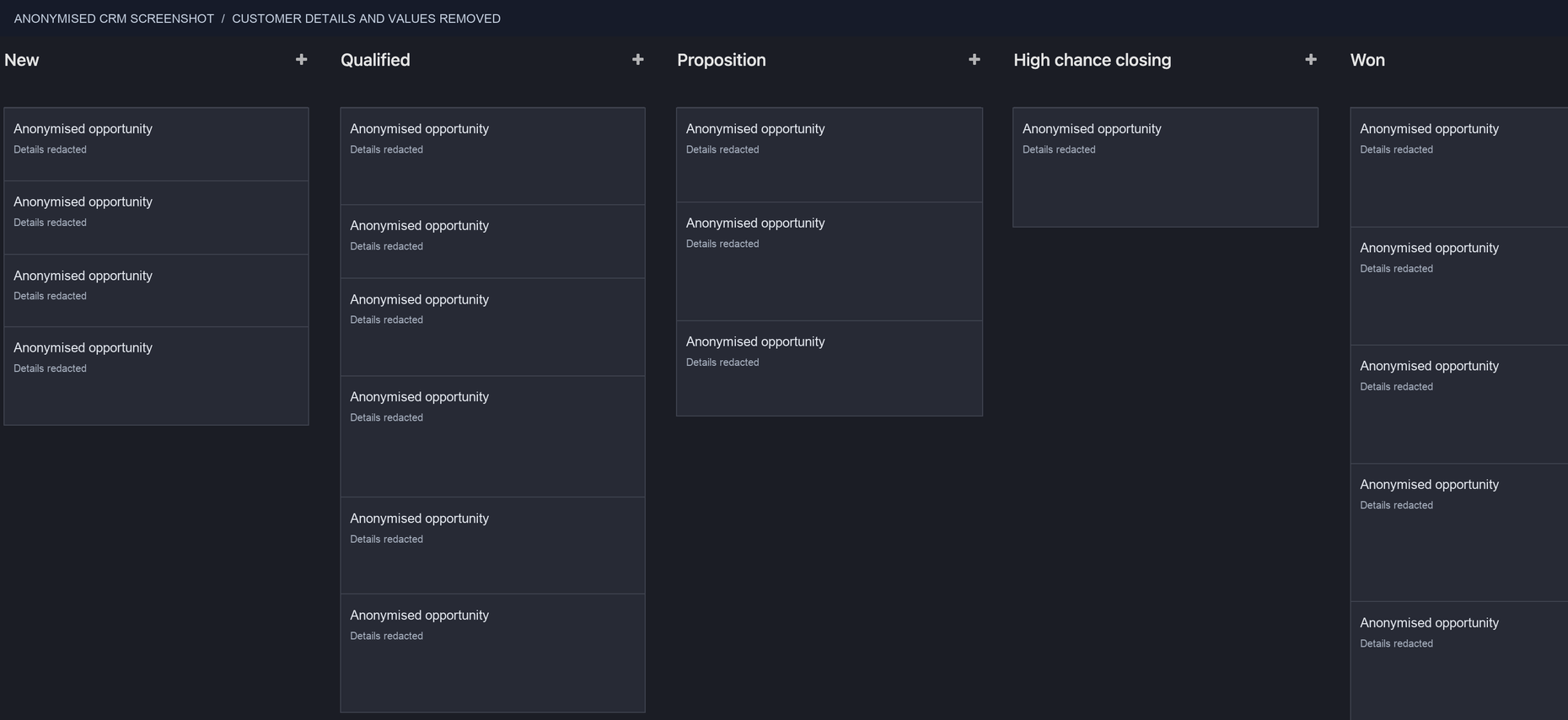
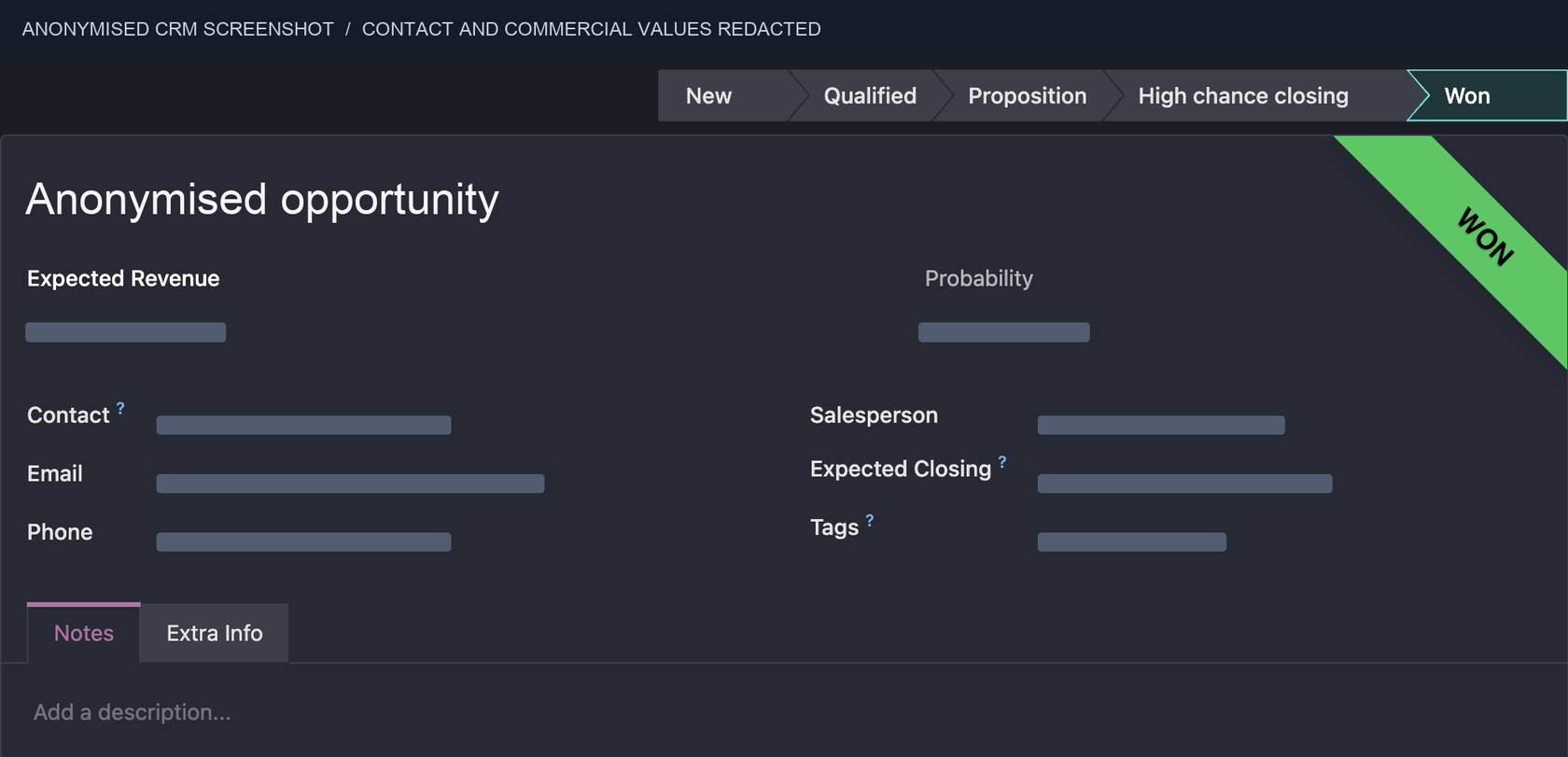
Pipeline stages
Clear exit criteria prevent a deal from moving on because someone feels it should.

A CRM should help your team see what is happening, decide what comes next and learn from the pipeline. We turn scattered enquiries, notes and follow-ups into a sales system people can actually use.
Clear pipeline. Useful context. Better follow-through.CRM setup · sales process · reporting · enablement
Stratesia’s working CRM · anonymised
Pipeline stages and opportunity record structure in a working CRM. Names, contacts and commercial details have been removed.
WHAT WE PUT IN PLACE
CRM configuration follows the commercial motion: new lead, qualification, discovery, proposal, decision, handover and retention where relevant.

Clear exit criteria prevent a deal from moving on because someone feels it should.
Every lead and opportunity has a responsible person—especially when it changes hands.
Fit, urgency, stakeholders and the reason to act are captured when they become known.
Tasks and reminders support the work without impersonating the relationship.
Pipeline, source and outcome data are structured so leaders can ask better questions.
The team gets a practical way to use the process, including common exceptions.
QUALIFICATION IS A CONVERSATION
Someone filling in a form, answering an email or asking for information is not automatically ready to buy. The CRM makes the next conversation more useful—it does not make the judgement for you.
We agree the signals that matter for your business, then make them visible at the moment a seller needs them.
Fits the target customer or account profile
Has a concrete need, problem or buying trigger
The right stakeholder is involved or reachable
A next action has been agreed
REPORTING & ATTRIBUTION
A report is useful when it changes a decision. We connect source, lead, opportunity and outcome where the systems and data allow it—so marketing activity can be discussed alongside sales reality.
Attribution is rarely perfect. Long sales cycles, offline conversations and incomplete data are real constraints. We make the gaps visible instead of inventing certainty.
See how SEO connects to CRMLet’s look at how your enquiries become opportunities and where your team needs a clearer next step.
 BenjaminStrategy & B2B acquisition
HOW THE WORK MOVES
We work from your actual pipeline, then introduce change in an order that your team can absorb.
We begin with the way leads arrive, who touches them, where deals stall and what happens after a proposal—not a generic CRM diagram.
Stages reflect meaningful decisions. Fields capture the context sales needs to act, not a form that nobody wants to maintain.
Pipelines, ownership rules, views, automations and integrations are configured around the agreed sales process.
Every active opportunity needs an owner, a useful next action and a date. Exceptions have a place to go too.
We give the team playbooks and practical scenarios, then use the data to improve adoption and commercial decisions.
ADOPTION & ENABLEMENT
People resist systems that feel like surveillance or duplicate work. We build around the sales conversation, explain the reason behind each step and create simple playbooks for the moments that repeat.
WHERE IT CONNECTS
Keep the context of outreach, interest and the next step when a prospect engages.
GOOGLE ADSConnect campaign intent and lead quality without reducing the story to a click.
WEBSITE DESIGN & DEVELOPMENTBuild forms and conversion paths that carry the right context into the CRM.
WHEN THIS IS USEFUL
LET’S TALK
Let’s build the right process around your customers, team and commercial reality.
Explore the markets, work and deliverables behind our projects. Each case explains the services actually delivered.
Explore pricing and the ROI calculator →Tell us about your business and what you want to change. We’ll review your message and arrange a time to talk.
BenjaminStrategy & B2B acquisition